



SpinsUp Casino on Mobile: How the PWA Replaces a Download
Players searching for a SpinsUp Casino app should know the honest answer first: there is no native app to download. Instead, SpinsUp runs as a Progressive Web App (PWA) that installs to a phone's home screen on both iOS and Android. Experts regard this as the better arrangement — it gives instant access and fast loading with nothing to fetch from an app store. This guide explains how the PWA works, how to install it, and what functions from a phone, with the platform's Dama N.V. ownership and offshore status kept in view. 18+. Gamble responsibly.
Is There a SpinsUp Casino App to Download?
No. SpinsUp offers no native iOS or Android application and no installable file in the App Store or Google Play. What players get instead is a SpinsUp PWA — a Progressive Web App delivered through the browser and pinned to the home screen. Experts consider this the safer model: there is no third-party package to trust, no storage consumed, and the current version always loads automatically.
| Aspect | Native app | SpinsUp PWA |
| Download | Required | None |
| Device storage | Used | Minimal |
| Updates | Manual | Instant |
| Install | App store | Add to home screen |
How to Install the SpinsUp PWA
Adding SpinsUp to a home screen takes a few taps and produces an app-like icon that opens full-screen. The process differs slightly by device, and both were confirmed working in testing on a Samsung Galaxy and an iPhone.
On iPhone (Safari)
- Players open the SpinsUp site in Safari.
- They tap the Share icon at the bottom of the screen.
- They select "Add to Home Screen" and confirm — an app-style icon then appears.
On Android (Chrome)
- Players open the site in Chrome.
- They tap the three-dot menu in the top corner.
- They choose "Add to Home screen" or "Install app" and confirm.
What Works on SpinsUp Mobile
The PWA mirrors the desktop platform closely, so players lose little by skipping a traditional app. Experts confirm the following all function from a phone:
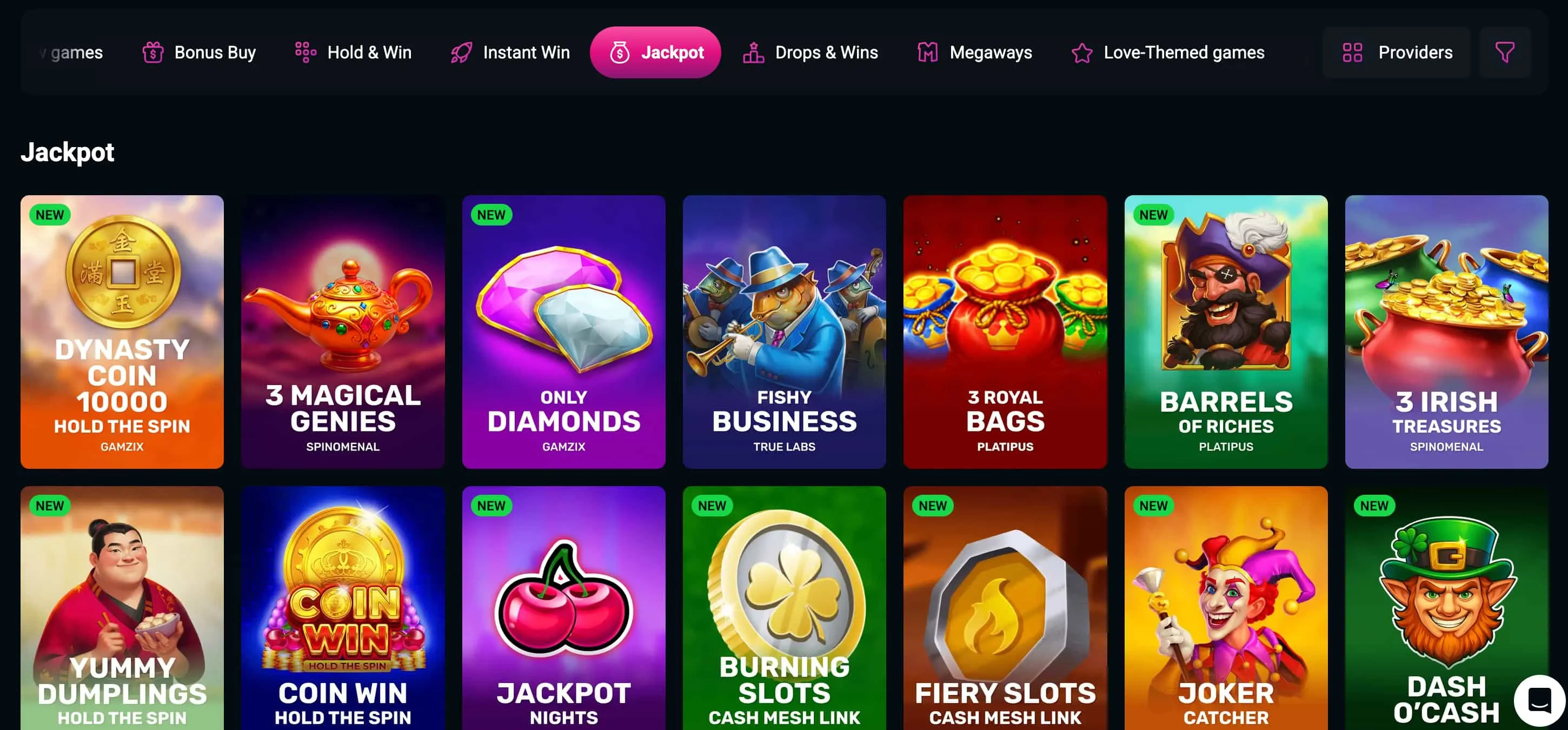
- The full 6,000+ game library, including pokies, live dealer and jackpots.
- Account login and the full cashier.
- Deposits and withdrawals in AUD and crypto.
- Welcome bonus and reload-code activation.
- Loyalty progress and live chat support.
Performance is strong on modern devices; in testing, live-dealer video occasionally dipped in quality, which appeared to be a connection issue rather than an app fault.
Mobile Games and Performance
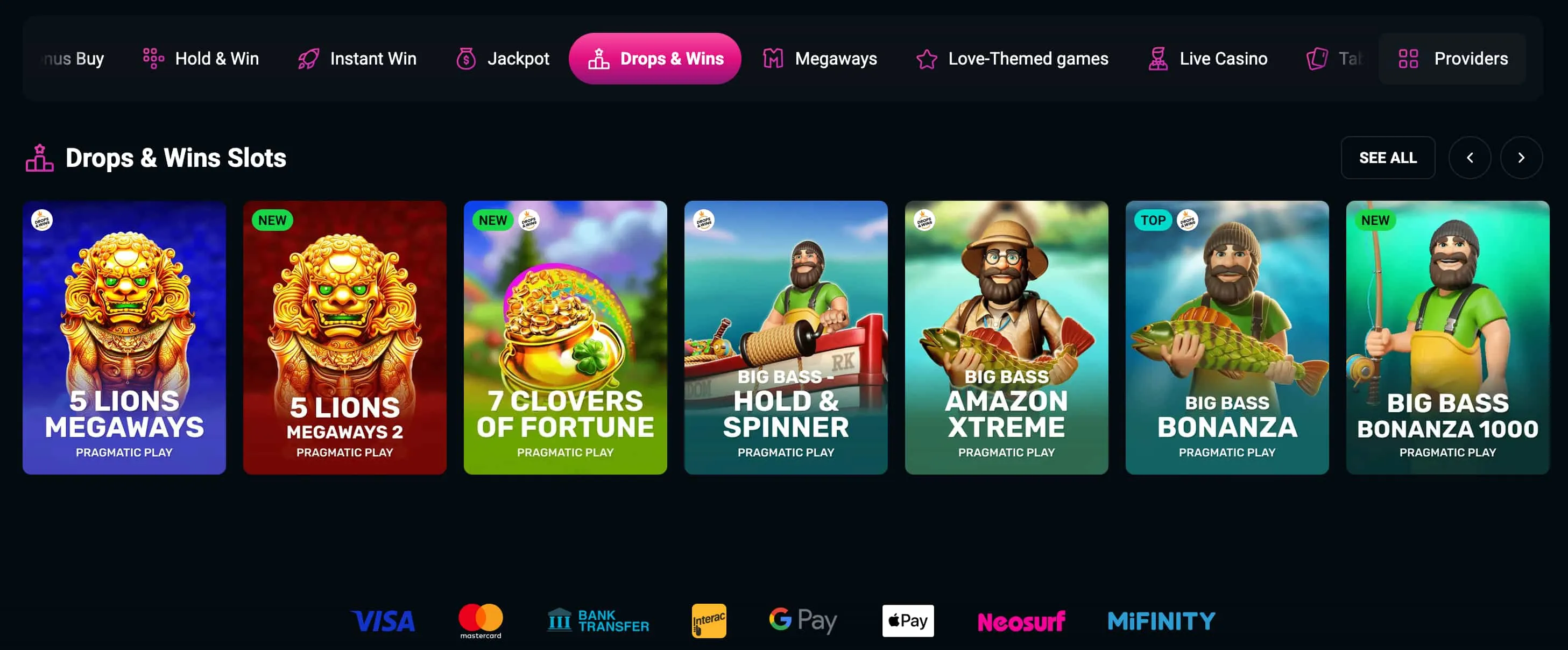
The SpinsUp mobile pokies selection covers the same 5,000+ titles found on desktop, from Pragmatic Play and BGaming, including Megaways and Bonus Buy formats, plus 110+ live tables. Demo mode is available for risk-free testing, and recognisable free-spin titles such as Aloha King Elvis and Lady Wolf Moon run smoothly in the browser. Loading is quick, with live video the main variable on weaker connections.
Mobile Login, Bonuses and Banking
Everything financial works from the phone. Players log in with their email and password, activate the welcome package and reload codes (SPINSUP2, SPINSUP3, SPINSUP4), and upload KYC documents directly from a mobile device — a genuine convenience when verifying. Deposits and withdrawals run in AUD, crypto and PayID, under the same limits and 40x wagering as desktop. The full payment list and bonus terms are detailed in the main review.
| Action | Available on mobile | Note |
| Login | Yes | Email and password |
| Deposit | Yes | AUD, crypto, PayID |
| Claim bonus | Yes | Codes work on mobile |
| Verify (KYC) | Yes | Upload from phone |
Add SpinsUp to Your Home Screen — No Download Needed
For mobile-first players, SpinsUp delivers the full casino as a PWA: open it in a browser, add it to a home screen, and play 6,000+ pokies on the go. There is no app to chase and nothing to install from a store. As on desktop, experts advise minding the 40x wagering and verifying early for smooth payouts. 18+. Gamble responsibly — BetStop · 1800 858 858.
SpinsUp Mobile: Frequently Asked Questions
Does SpinsUp Casino have an app to download?
No. SpinsUp offers no native iOS or Android app and no app-store download. It runs as a Progressive Web App (PWA) that installs to a home screen through the browser, giving instant access and fast loading without consuming device storage.
How do players install the SpinsUp PWA?
On iPhone, open SpinsUp in Safari, tap Share, then "Add to Home Screen". On Android, open the site in Chrome, tap the three-dot menu, then "Add to Home screen" or "Install app". The shortcut launches the casino full-screen for an app-like feel.
How do players log in to SpinsUp on mobile?
Players open the PWA or mobile site and sign in with their email and password, the same credentials used on desktop. The full cashier, bonuses and games are available once logged in, with no separate mobile account required.
Can players deposit and claim bonuses on mobile?
Yes. Deposits and withdrawals in AUD, crypto and PayID work from a phone, and welcome and reload codes such as SPINSUP2 can be entered on mobile. KYC documents can also be uploaded directly from the device.